NiceClock - stylish gear for your Time! Completely new clockwork with skinable screensaver, voice informer, keyboard locker, alarm and organizer. Worth trying now for free!

 NiceClock2
Download
NiceClock2 Symbian v7.1, 8.x
for Symbian UI S60 2.6, UI S60 2.0, UI S60 2.8 
638 KiB (June 27, 2006)
NiceClock2 Symbian v.6.1
for Symbian UI S60 1.2
654 KiB (June 27, 2006)
Purchase
NiceClock2
using Moneybookers 
for $2.99
Screenshots
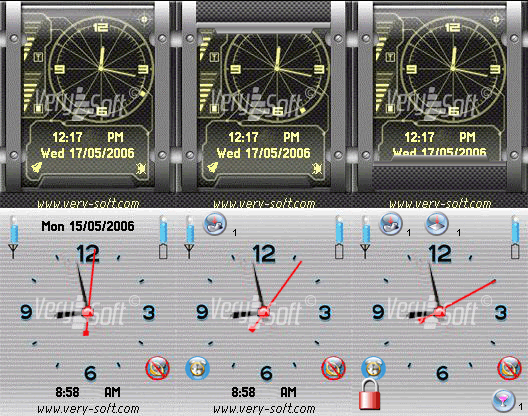
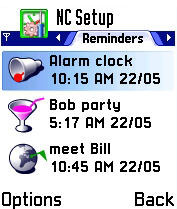
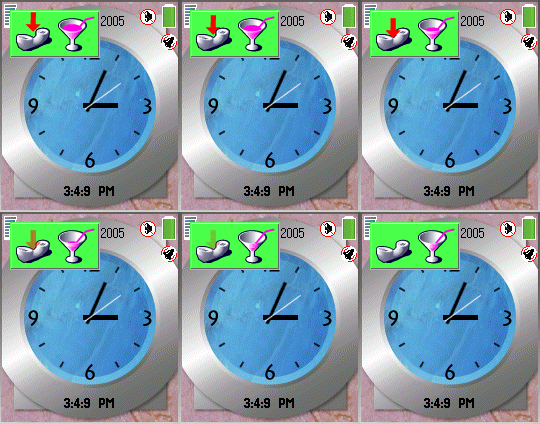
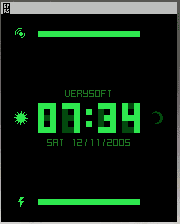
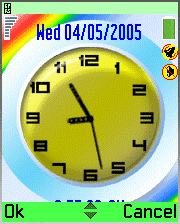
NiceClock v.2 modules
- Organizer;
- Voice informer;
- Alarm manager;
- Keyboard locker;
- Screensaver with customizable watches and indicators. Additional Style sets are available here: NiceClock2 Styles.
NiceClock v.2 features
NiceClock, first of all, acts like a screensaver with watches on the screen and voice informer, additional alarm, organizer and keyboard locker options. The main advantage of the application is the combination of all these features.
The special point of this program is voice informer notifying about current time, active and missed events, scheduled events, about missed calls and messages (SMS, MMS).
Compatibility. System requirements
Application requires up to 800kb of ROM to install and up to 200 kb of RAM to operate.
Installation
- Transfer the downloaded "NiceClock_v.2.sis" file to your mobile handheld;
- Open folder where it was stored. ("Inbox", by default);
- Start and complete installation dialog;
- Start the application.
Trial period
Trial period is limited to 7 days. Functional constraints for trial period are:
- You can't change skin styles;
- Only 2 events can be added in organizer;
- Only manual keyboard locking is possible;
- Voice informer pronounces time with random pause;
- Blinking text on the NiceClock screen: «Unregistered version X days left».