Changes in v1.6
+ UHD-1 output resolution 3840x2160 (4K resolution)
+ Text overlay more customization parameters (font face name, color, transparency etc.)
+ Text overlay date time substitution support (strftime formatting codes %d, %m etc.)
+ Language selection
* VMR9 replaced legacy renderer in Output Settings
* Media subtype selection by higher fps values (MJPG is faster on Logitech С920/С930e/BCC950)
* Text overlay blending options
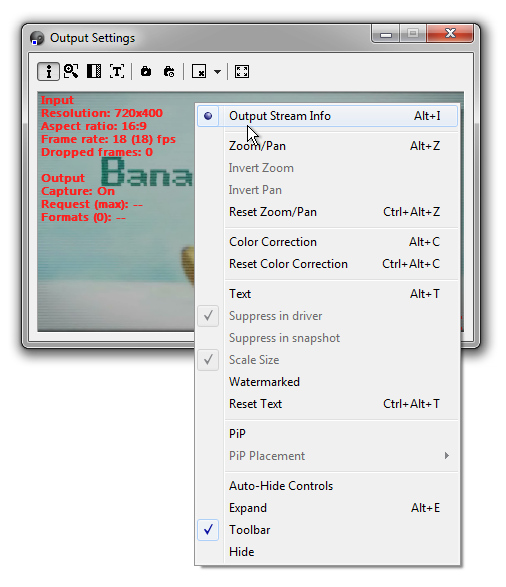
* Frame drops counter
- Fix unable to capture error with AVerMedia HD Capture C985 Bus 5
- Fix text font facename changes in virtual camera output
- Fix capture stop problem with PiP device setup (no image in Output Settings preview)
- Application startup problem on some x64 systems (Wrong virtual device version)
- Silent mode activation application self restart in loop problem
- Fix main menu manual broken link
- Fix some RTMP network sources problems (application hangs)
- Fix unable to capture error with Logitech HD Pro Webcam C920
- Fix application startup problem on Windows XP x86 (Wow64RevertWow64FsRedirection)
Features
WebCamSplitter Pro is a unique high-end application. Additionally to the video sharing, it allows to fully customize output streams for several devices at a time. Introductory features list:
- Wide support of source devices types like web-camera, TV-tuner, capture card, DV-camera, IP-camera;
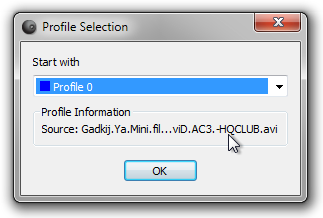
- Multimedia files as video source (AVI, MPEG, Windows Media);
- Windows Destop window content as video source;
- Audio stream within multimedia files or DV-camera microphone via virtual audio device;
- Customization of input/output resolutions;
- Options for preview for the output video stream;
- Digital Zoom and Pan control;
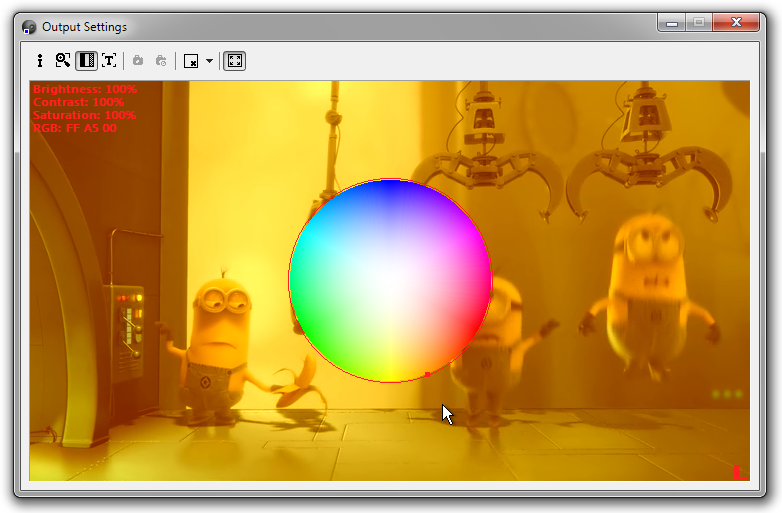
- Color Correction control (color shift, contrast & brightness leveling);
- Text annotations directly in video stream;
- Snapshots from the video source into JPEG file;
- User-friendly interface and detailed help.
WebCamSplitter Pro is fully compatible with huge amount of popular IM clients and with specific chat applications.
Specific differences between Standard and Pro versions of WebCamSplitter
WebCamSplitter Pro version has the following additional specific features that are not present in common WebCamSplitter version:
- Main difference: splitting up to 4 real devices on same computer (simultaneously running several application instances);
- Command-line interface to control WebCamSplitter Pro instance source selection from other applications;
- Picture in Picture (PiP) via setup additional virtual camera;
- Live network multimedia stream using a RTMP server as a source;
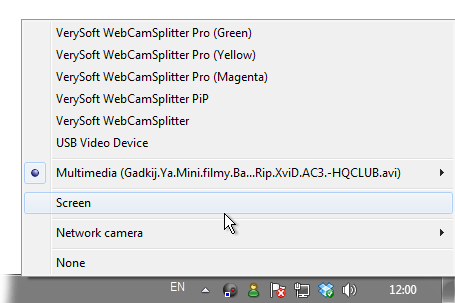
- Screen source monitor selection.
Basic WebCamSplitter output resolutions
- 320×240 (4:3, default);
- 352×288 (11:9);
- 640×480 (4:3);
- 864×480 (18:10);
- 800×600 (4:3);
- 1280×720 (16:9);
Advanced resolutions can be enabled using output resolution customization feature. Some of them:
- 720х400 (18:10);
- 720х480 (3:2);
- 720x576 (5:4);
- 1920х1080 (16:9).
System requirements
- Operating system: OS Windows 2000/XP/Vista/7 x86, OS Windows XP/Vista/7 x64;
- Additional requirements: DirectX 8.0 or higher runtime;
- Appropriate video and audio decoders for multimedia file source.

 WebCamSplitter Pro